Fix it before
the shot
A camera app for iPhone Works offline. No account. Coming soon to the App Store
It reads the scene and gives you one instruction at a time, like “lower the camera slightly”, so the photo is right when you press the shutter.
 PosyCam
Change one thing. Keep the rest.
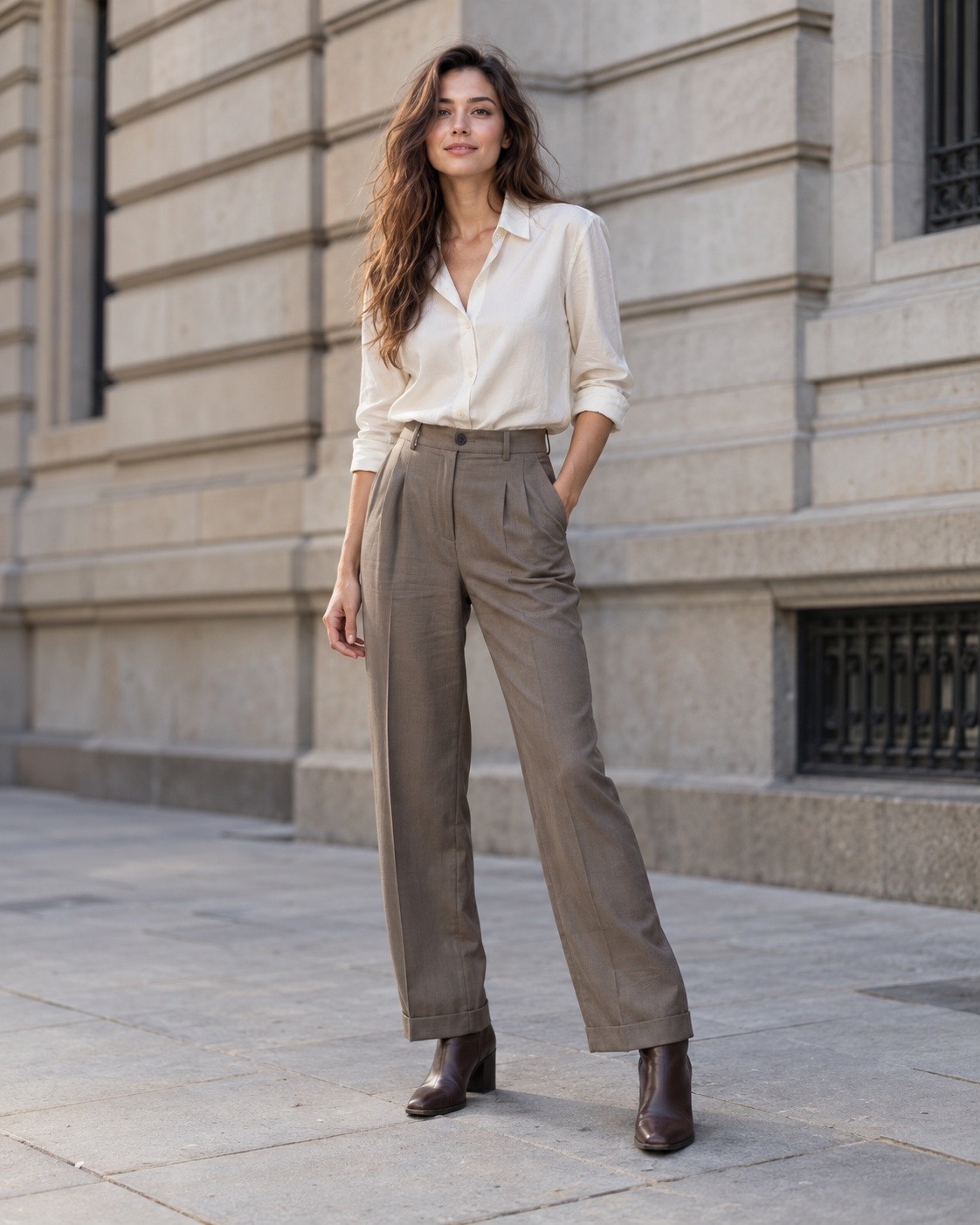
DistanceKeep both shoes in frame
Technique, style and frame are separate choices in the camera. Change one and the other two stay where you left them.
Technique
Style
Frame
Looks are approximated here in your browser. In the app they render on the camera preview and in the saved photo.
Thirteen techniques, four groups
| Technique | What it coaches | Frame | Access |
|---|---|---|---|
| People | |||
| Natural Portrait | Comfortable perspective, balanced framing | 3:4 | Free |
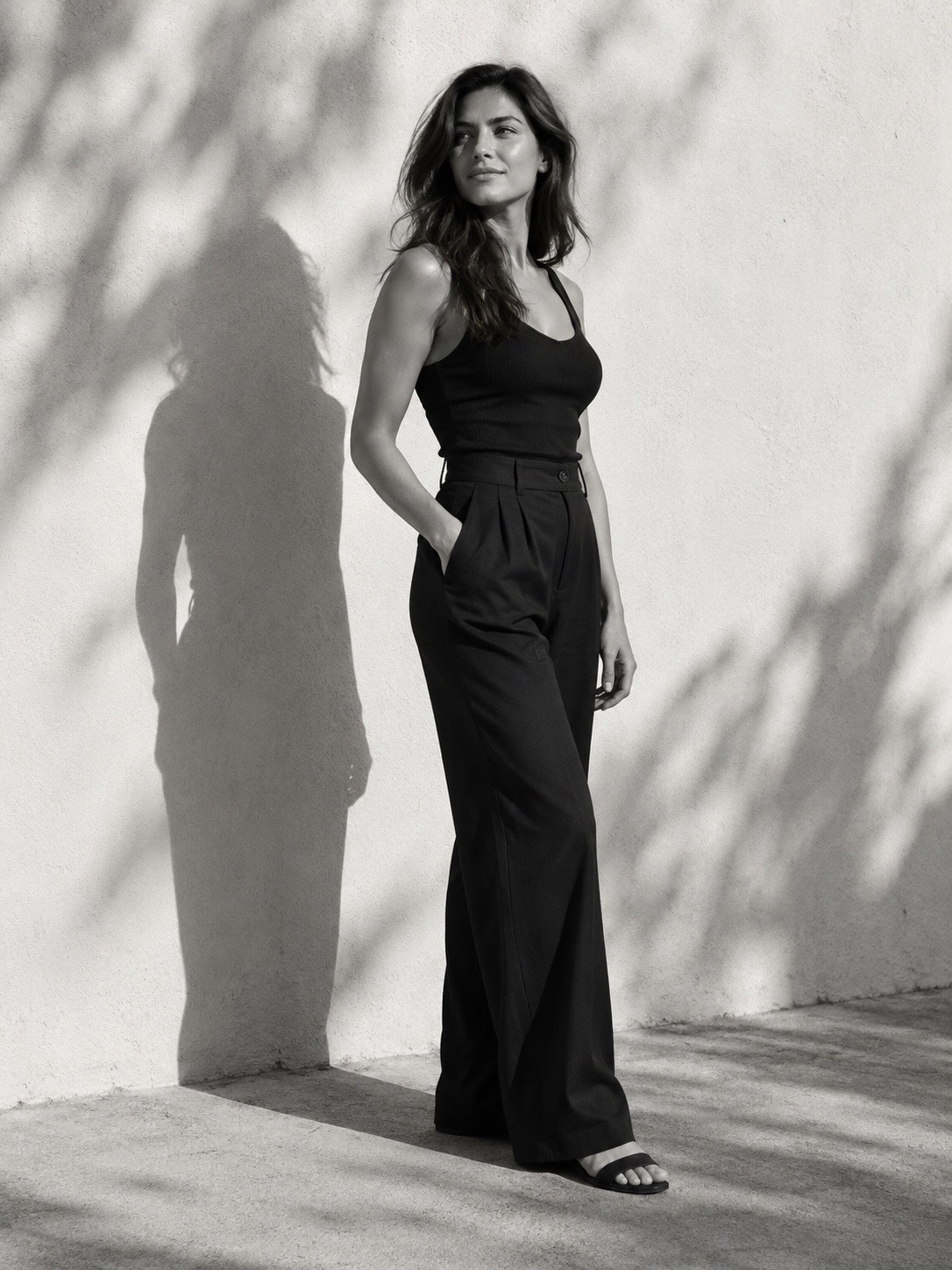
| Long-Leg Fashion | Lower viewpoint; head and shoes kept in frame | 4:5 | Pro |
| Cinematic Portrait | Negative space and leading lines | 16:9 | Pro |
| Streamlined Silhouette | Pose and background separation, no reshaping | 3:4 | Pro |
| Street Candid | Room for movement | 9:16 | Pro |
| Group Portrait | Room for everyone, every face clear | 3:4 | Free |
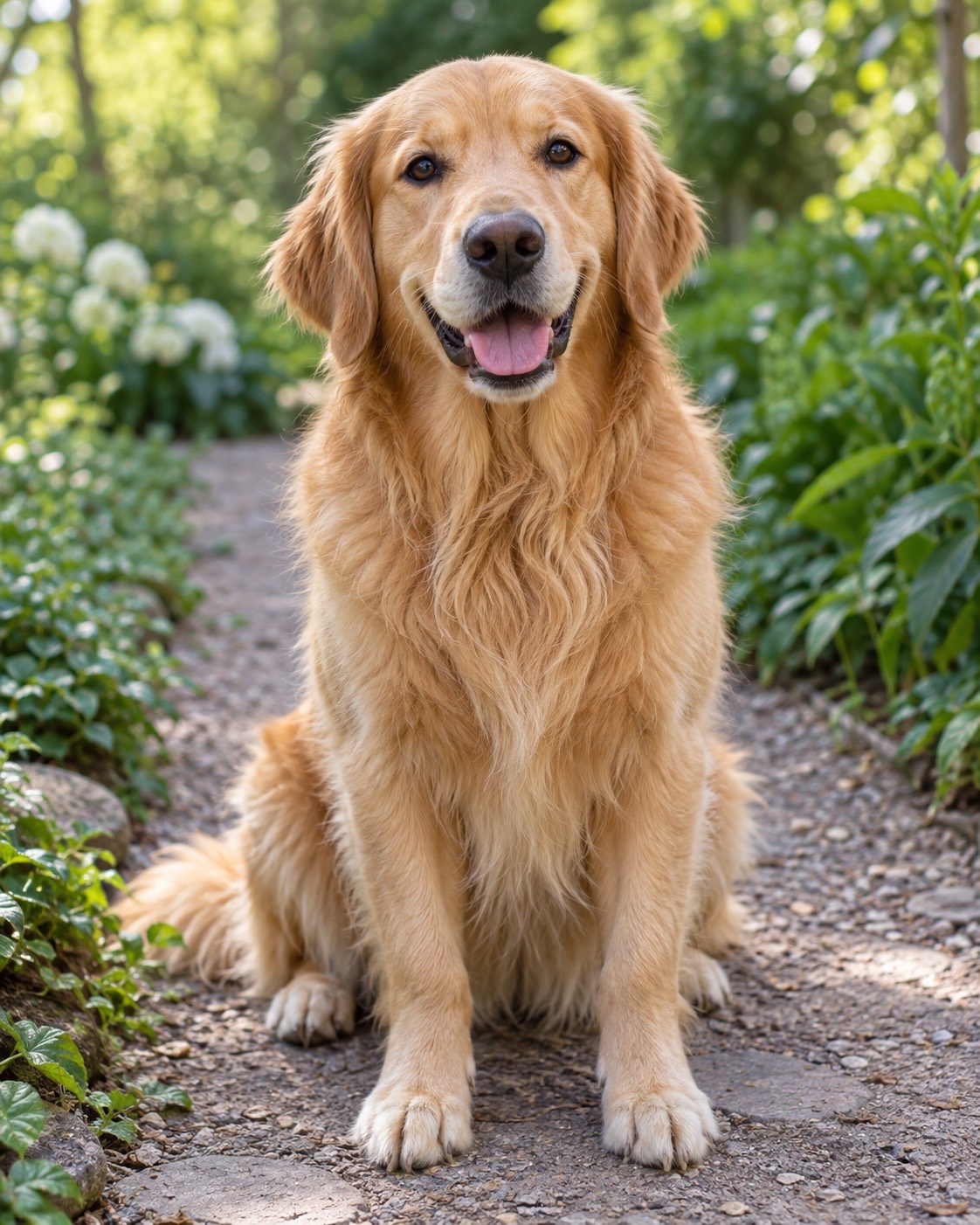
| Pet Portrait | Their eye level and a simple background | 4:5 | Free |
| Places | |||
| Landscape | Horizon, balance and depth with no one in the photo | 16:9 | Free |
| Architecture | Upright lines and a clean edge | 3:4 | Free |
| Food & things | |||
| Food | A diner's view and soft window light | 4:5 | Free |
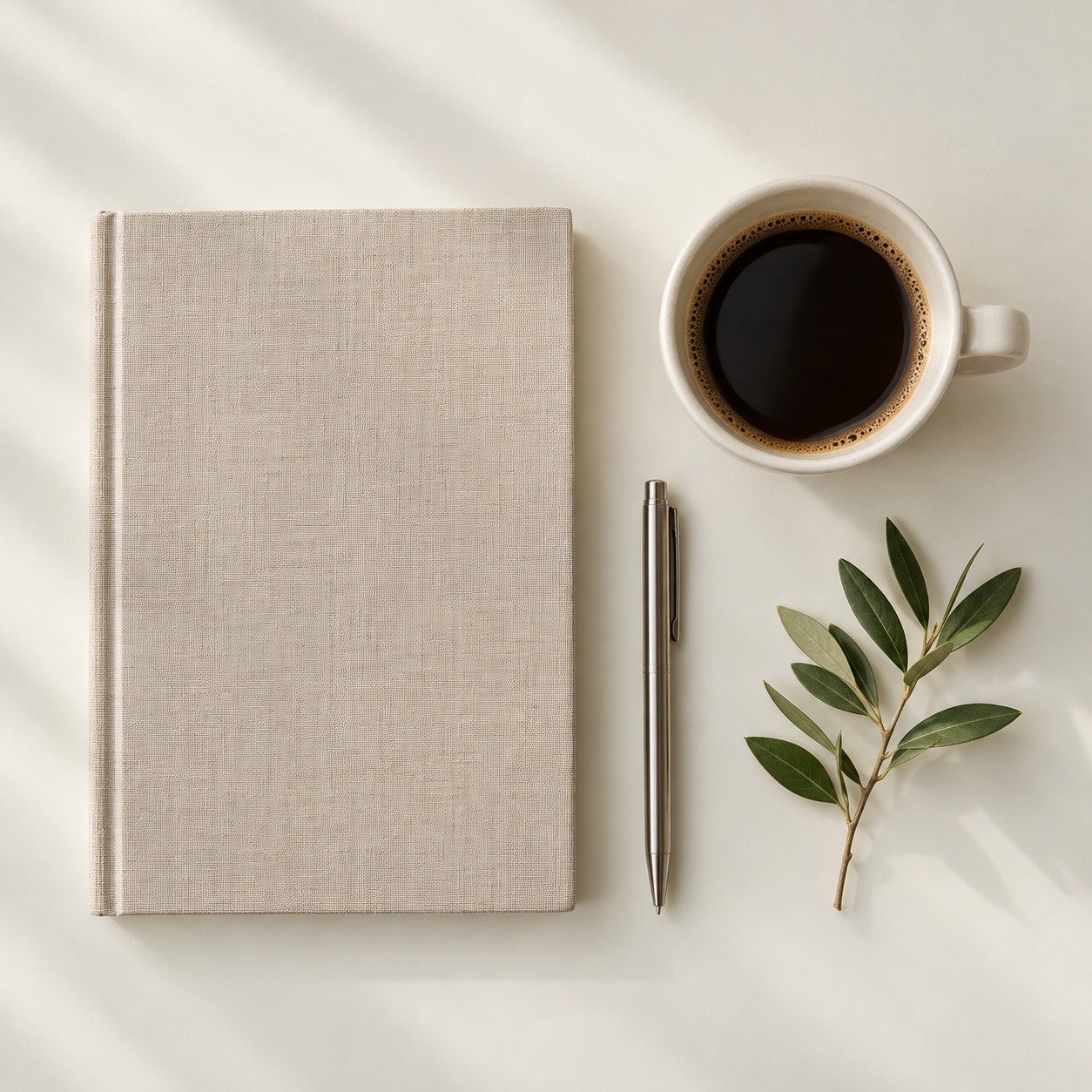
| Flat-lay | Straight down, items squared to the frame | 1:1 | Free |
| Minimalist Editorial | Simple shapes and a quieter background | 4:5 | Pro |
| Night | |||
| Low Light | Light on the subject and a steady phone | 9:16 | Free |
How PosyCam works
Pick. Start from what you're shooting: people, places, food and things, or night. PosyCam suggests a frame and a look, and Undo puts yours back.
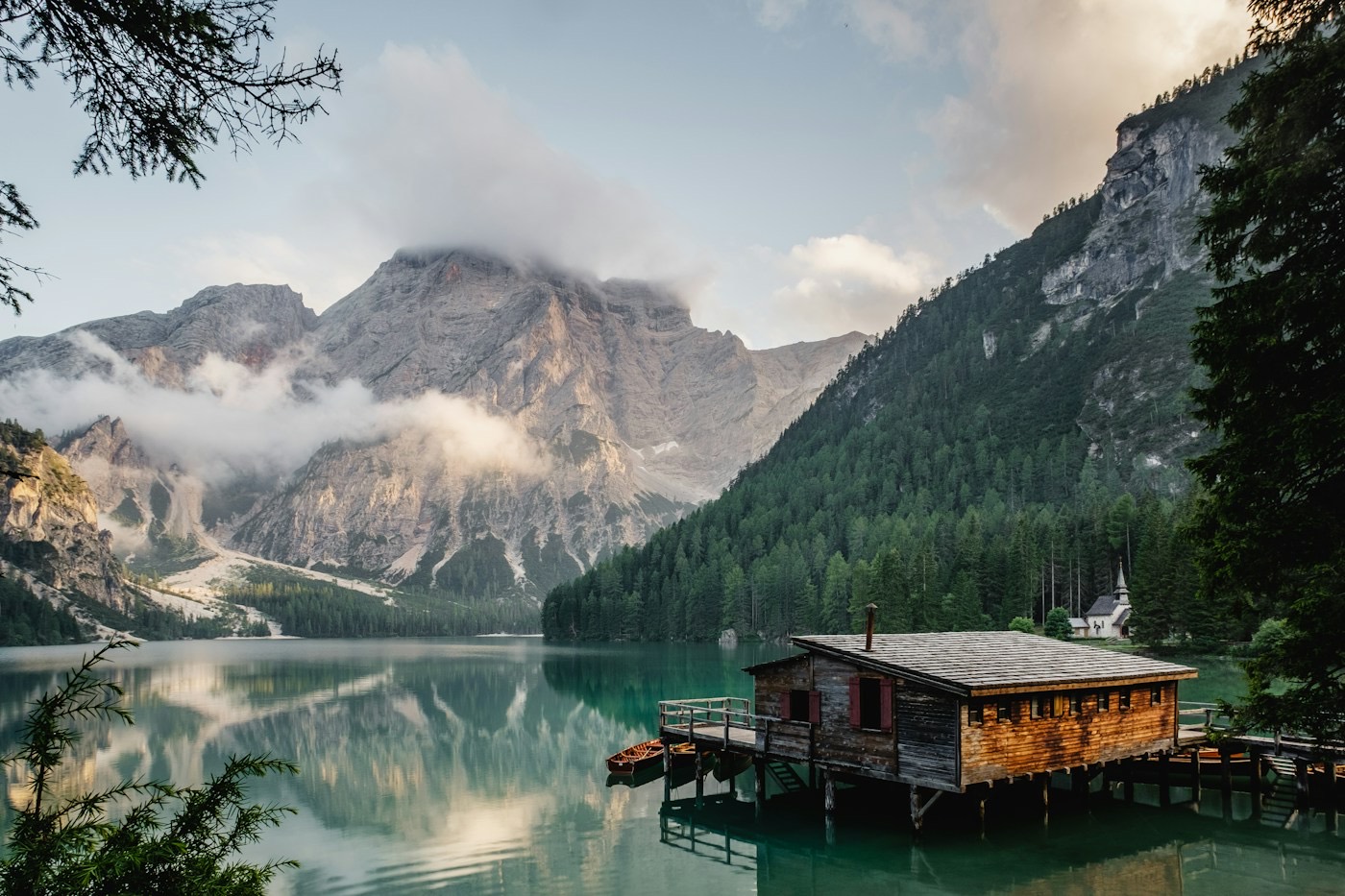
Follow. One instruction at a time, below the photo and never over your subject. Zoom, focus and exposure stay in your hands, and hints turn off whenever you like.
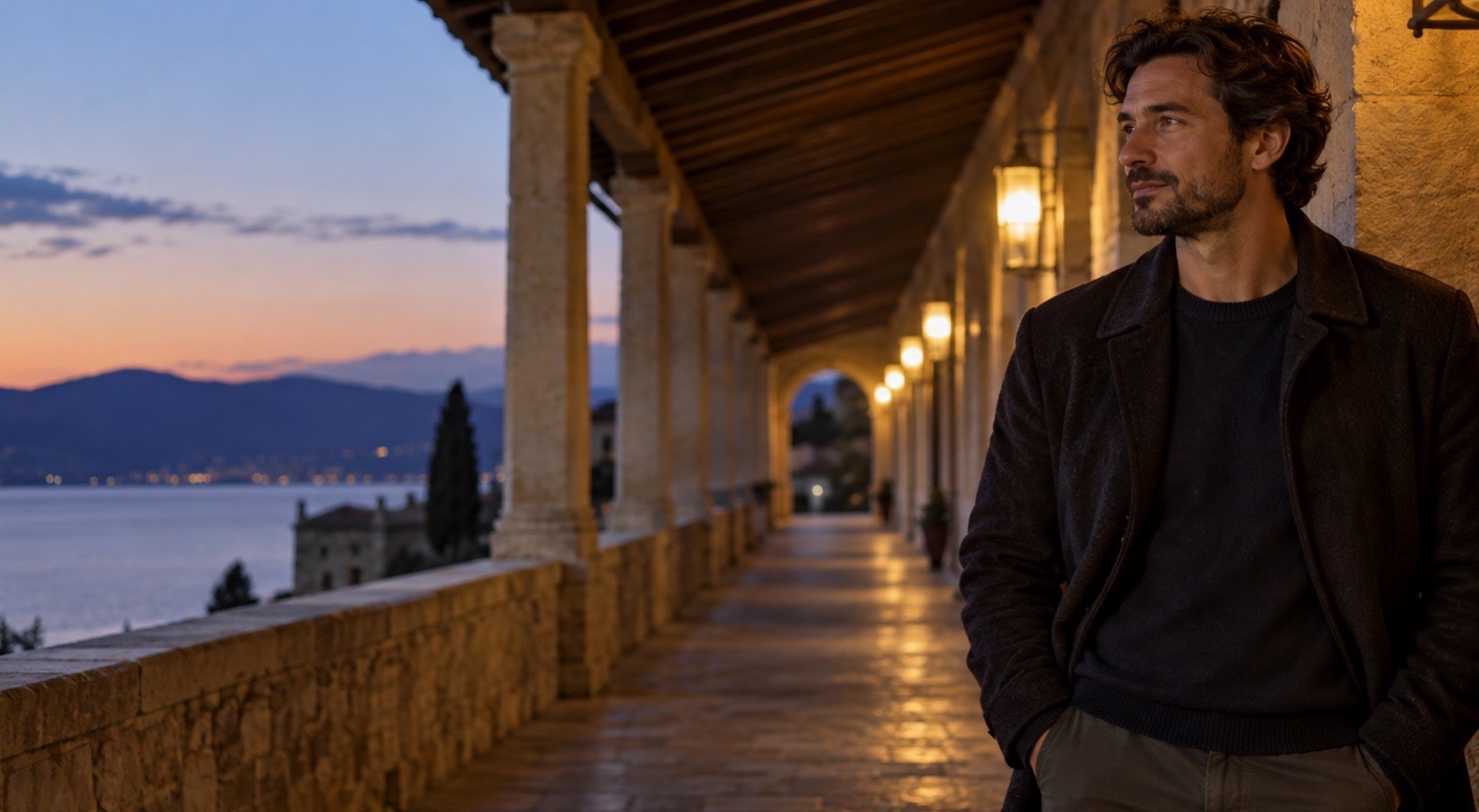
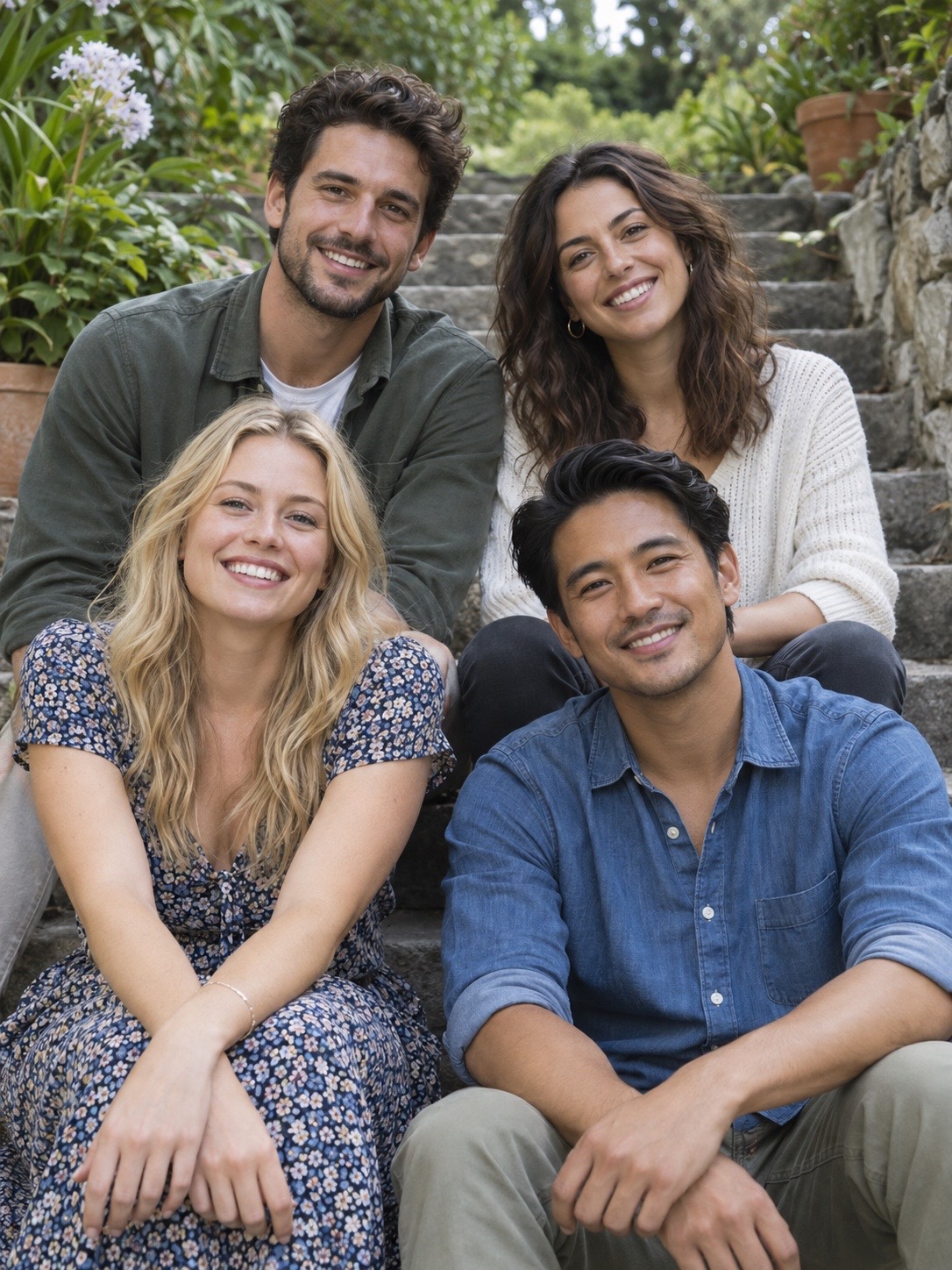
Photo: Luca Bravo, Unsplash

Keep. The shutter saves and the camera stays open. Crop, relight and restyle later; the original is never overwritten.
Stays yours
-
No account
Open it and shoot
No sign-up, no profile, no login screen. PosyCam works the moment it opens.
-
On your phone
Scene analysis runs on the device
Pose and scene detection run on your phone. PosyCam never uploads your photos or camera frames.
-
Offline
Airplane mode included
Capture, coaching, editing, the gallery and export all work without a connection.
-
No reshaping
Coaching moves the camera
Long-Leg Fashion changes your camera height and distance. It never stretches or slims anyone.
Free to shoot.
Pro, once.
The free app includes eight techniques, the Original and Harbor looks, all five frames, manual controls, the editor, the gallery and full-resolution export without a watermark. Pro unlocks the rest.
PosyCam Pro
- Five more techniques
- Every film and monochrome look
- Watercolor-like and anime-inspired styles
- No subscription and no ads
Common questions
Yes. Capture, coaching, editing, the gallery and export all work offline. A connection is only used to check a Pro purchase, and for crash reports or announcements if you turn those on.
No. Photos and camera frames stay on your phone. They leave only when you save them to your photo library or share them yourself.
No. It coaches a lower camera, the right distance and room for the shoes. The photo itself is never warped.
No. Film, monochrome, watercolor-like and anime-inspired looks are filters applied to your own photo. Nothing is generated or redrawn.
In PosyCam's own gallery, with every edit kept reversible, and in your photo library unless you turn that off. Deleting a photo in PosyCam leaves the library copy alone.
Yes. Hints, photo marks, how often hints appear and automatic adjustments each have their own switch, and Manual mode shows no hints at all.
iPhone with iOS 18.2 or later at launch; Android is in development. The app speaks English, Traditional and Simplified Chinese, Japanese, Korean, Spanish, Brazilian Portuguese and Indonesian.